Back to blog
Basic Markdown Usage
338 words2 min read
This article covers the basics of Markdown syntax.
This article covers the basics of Markdown syntax.
In Markdown, you can use \ to escape special characters.
1. Headings
Syntax
# This is an <h1> tag
## This is an <h2> tag
### This is an <h3> tag
#### This is an <h4> tag
Example
This is an h1 tag
This is an h2 tag
This is an h3 tag
This is an h4 tag
2. Emphasis and Italic
Syntax
*This text will be italic*
_This will also be italic_

**This text will be bold**
__This will also be bold__
Example
This text will be italic This will also be italic
This text will be bold This will also be bold
3. Ordered and Unordered Lists
Syntax
* Item 1
* Item 2
* Item 3

1. Item 1
2. Item 2
3. Item 3
Example
Item 1
Item 2
Item 3
Item 1
Item 2
Item 3
4. Images
Syntax
Example
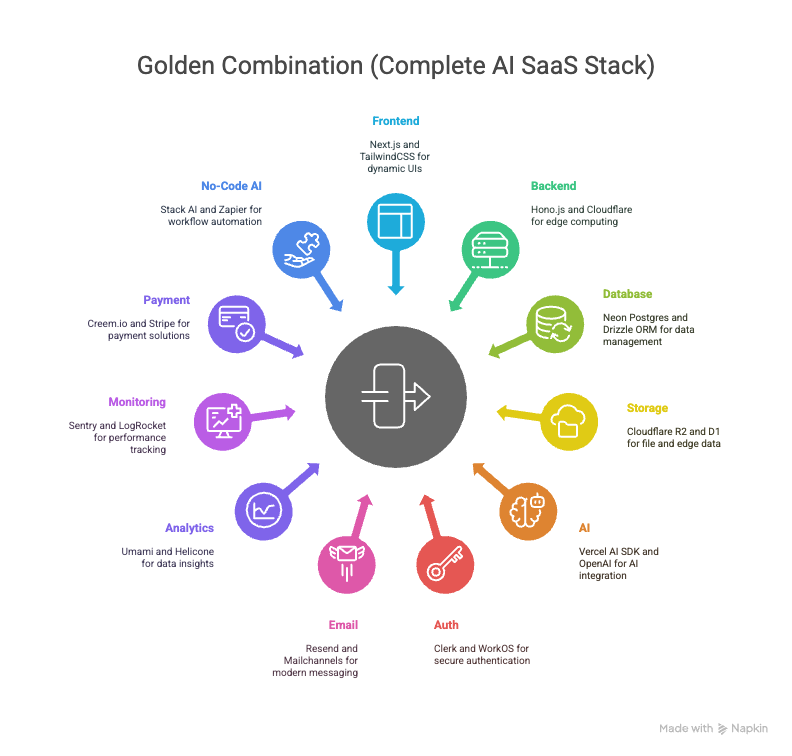
5. Hyperlinks
Syntax
[link-name](link-url)Example
6. Blockquotes
Syntax
> The original meaning of a quote is to quote someone else'''s words.Example
If you please draw me a sheep! A soldier who does not want to be a general is not a good soldier.
7. Inline Code
Syntax
`This is an inline code.`Example
I often use inline code to display special nouns.
8. Code Blocks
Syntax
```js
for (var i=0; i<100; i++) {
    console.log("hello world" + i);
}
```Example
for (var i=0; i<100; i++) {
console.log("hello world" + i);
}You can also display code by indenting, as shown in the example below:
console.loe("Hello_World");9. Tables
Table
| Table Header 1 | Table Header 2 | Table Header 3 |
| Division 1 | Division 2 | Division 3 |
| Division 1 | Division 2 | Division 3 |
| Division 1 | Division 2 | Division 3 |
References
Loading comments...